Why HSB helps in a color matching game
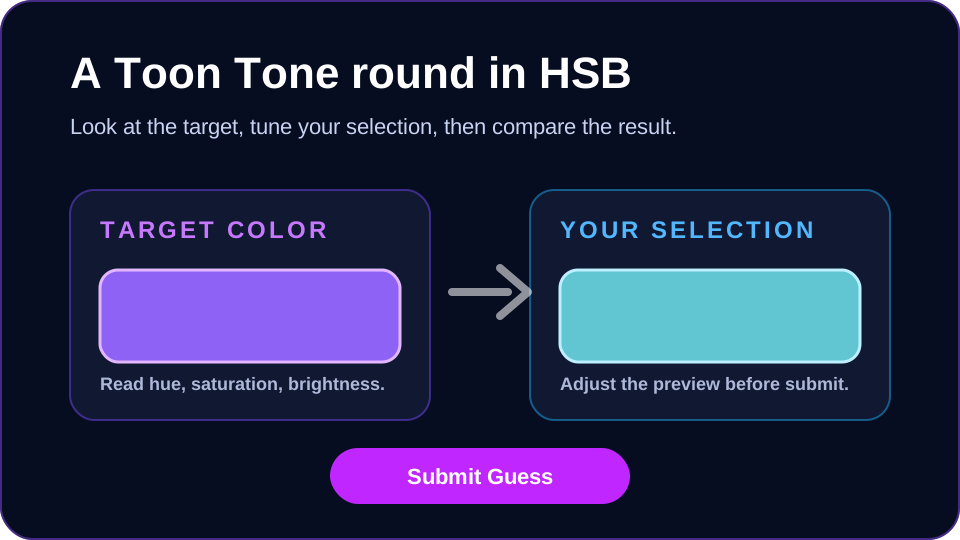
Color matching gets easier when you break the target into three decisions instead of trying to copy the whole color at once. Toon Tone uses HSB because hue, saturation, and brightness match how players usually describe color: what family it belongs to, how intense it is, and how light it feels.
This is different from guessing raw RGB values. RGB is useful for computers, but HSB gives a player-friendly path: find the hue first, lower or raise the saturation, then finish with brightness.
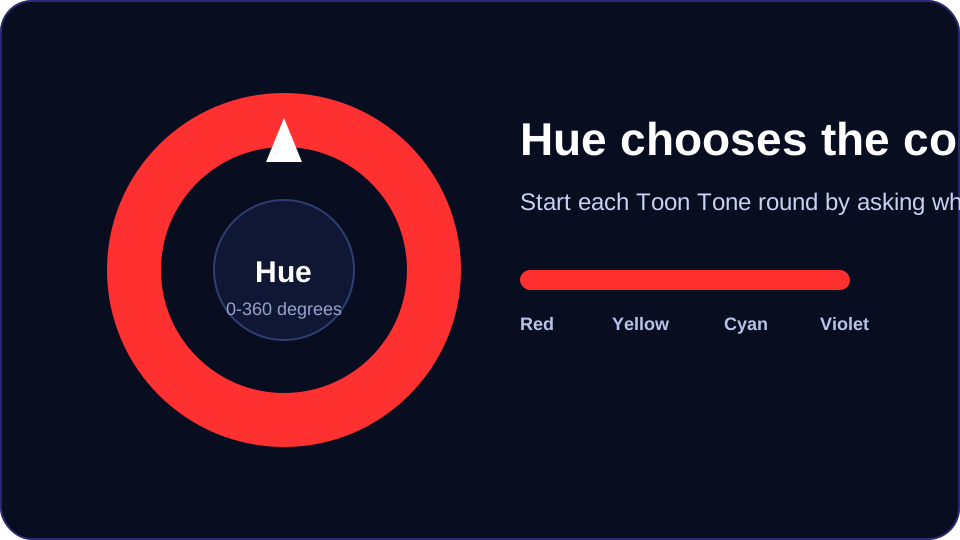
Hue: find the color family first
Hue runs from 0 to 360 degrees. In a Toon Tone round, start by asking whether the target is closer to red, orange, yellow, green, cyan, blue, violet, or magenta. If the hue is wrong, the color accuracy test will feel impossible because saturation and brightness cannot fully correct the family.
A useful habit is to move the hue slider quickly until the preview feels like it belongs to the same family as the target. Do not worry about exact vividness yet. Your first goal is to stop the color from feeling obviously wrong.
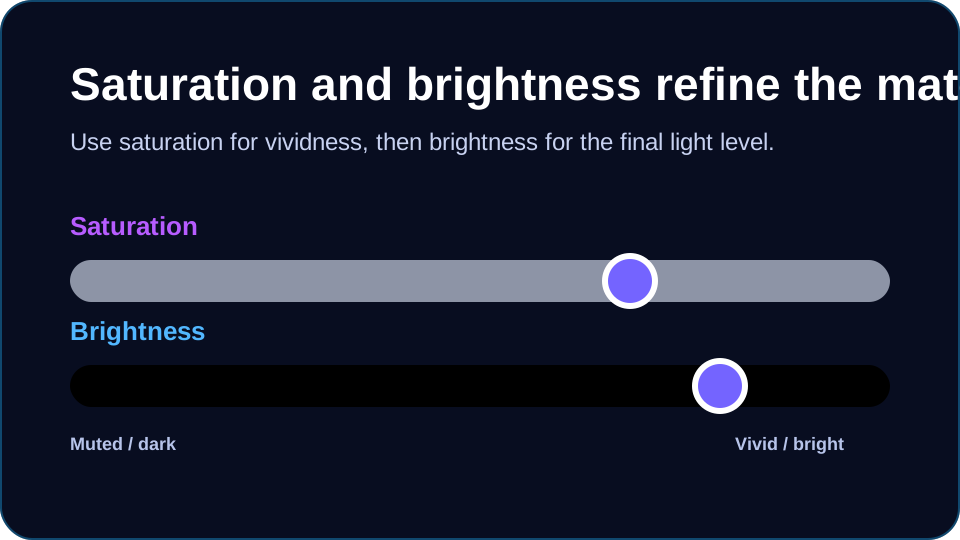
Saturation: control how vivid the tone feels
Saturation controls intensity. High saturation creates bright, punchy, cartoon-like tones. Low saturation pulls the color toward gray. If your preview has the right hue but looks too loud, lower saturation before touching brightness.
Many color guessing game mistakes happen because the hue is close but the saturation is overconfident. Muted colors often look more subtle than players expect, especially on mobile screens.
Brightness: anchor the final match
Brightness is the final light level. A correct hue can still score poorly if it is too dark or too pale. After the hue and saturation feel close, compare the overall lightness of both swatches.
In Toon Tone, brightness changes can feel small at first, but they often decide whether a guess is just acceptable or close enough for a high score.
How to improve across a 5-round Toon Tone run
Because Toon Tone uses 5 rounds, each run stays quick while still giving enough repetition to see patterns in your guesses. If you consistently miss warm colors, spend more time comparing red, orange, and yellow hue positions. If your scores drop on soft colors, slow down on saturation.
Do not chase a perfect score every round at first. Instead, try to identify the reason for each miss: wrong hue family, too much saturation, or brightness mismatch. That feedback is what makes the game useful as a color accuracy test.
Common HSB mistakes to watch for
The most common mistake is changing brightness when the hue is actually wrong. Another is leaving saturation too high because vivid colors feel more exciting than the target. A third is forgetting that display brightness and ambient light can affect perception on phones.
When in doubt, make one slider change at a time. Toon Tone updates the preview instantly, so small, deliberate adjustments are easier to learn from than large jumps.